Auto-discovery
Open the app and your TVs just show up on Wi-Fi. Samsung, LG, Roku, Sony, Apple TV, Fire TV, Google TV, Hisense, Panasonic, Philips, VIZIO, Chromecast — twelve platforms, zero setup.
Your iPhone becomes the remote for every TV you own. The real one fell down the wall side? Who cares. Say “sleepy time” and LazyBinger switches everything off. 🛏️
Everything you need to never hunt for the remote in the dark again.
Open the app and your TVs just show up on Wi-Fi. Samsung, LG, Roku, Sony, Apple TV, Fire TV, Google TV, Hisense, Panasonic, Philips, VIZIO, Chromecast — twelve platforms, zero setup.
Say “sleepy time” and the TV goes dark. “Pause”, “play”… every word is customizable. Apple's engine listens in up to 3 languages at once, or go Whisper: open source, 100% on-device. You can even record your own trigger sound.
Prop your iPhone facing the TV: on-device OCR reads the screen and presses OK the moment “Skip intro” or “Next episode” pops up. You don't move a muscle.
Add the exact button labels to catch, in any language, then pick the action. Live similarity tuning shows you exactly when it will fire.
“Turn off in 30 minutes”: start the timer with a tap or your voice, and the TV powers down while you drift off. At 2 a.m. the interface dims itself, and in the morning Wake-on-LAN wakes the TV from across the room.
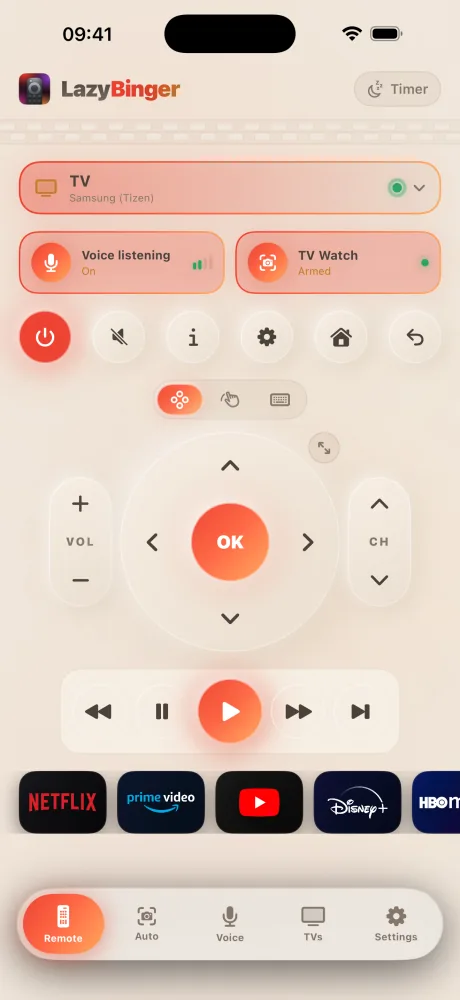
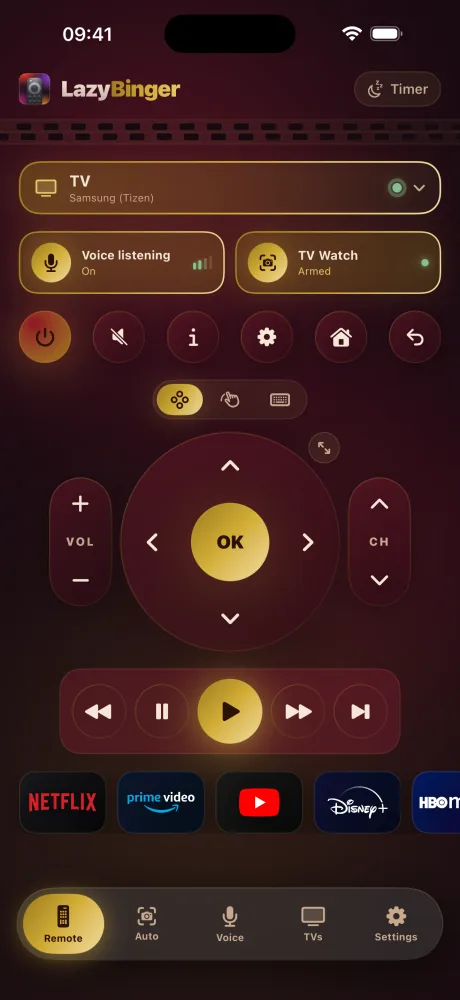
D-pad, volume, a keyboard for search fields, and eleven apps one tap away: Netflix, Prime Video, YouTube, Disney+, HBO Max, Apple TV+, Hulu, Paramount+, Spotify, Crunchyroll, Plex. Free, forever.
The whole remote, on your wrist: D-pad, volume, play/pause, power and one-tap streaming apps. Turn the Digital Crown to switch pages or pick a TV. Your iPhone talks to the TV; you just tap. Free.
Open LazyBinger: it scans your Wi-Fi and lists every TV in the house.
One tap, a code on the TV, done. Wake-on-LAN gets set up along the way.
Get comfortable. Voice, camera or thumb — you're not getting up again.
The whole thing, from the Wi-Fi scan to lights out — the same preview the App Store shows.
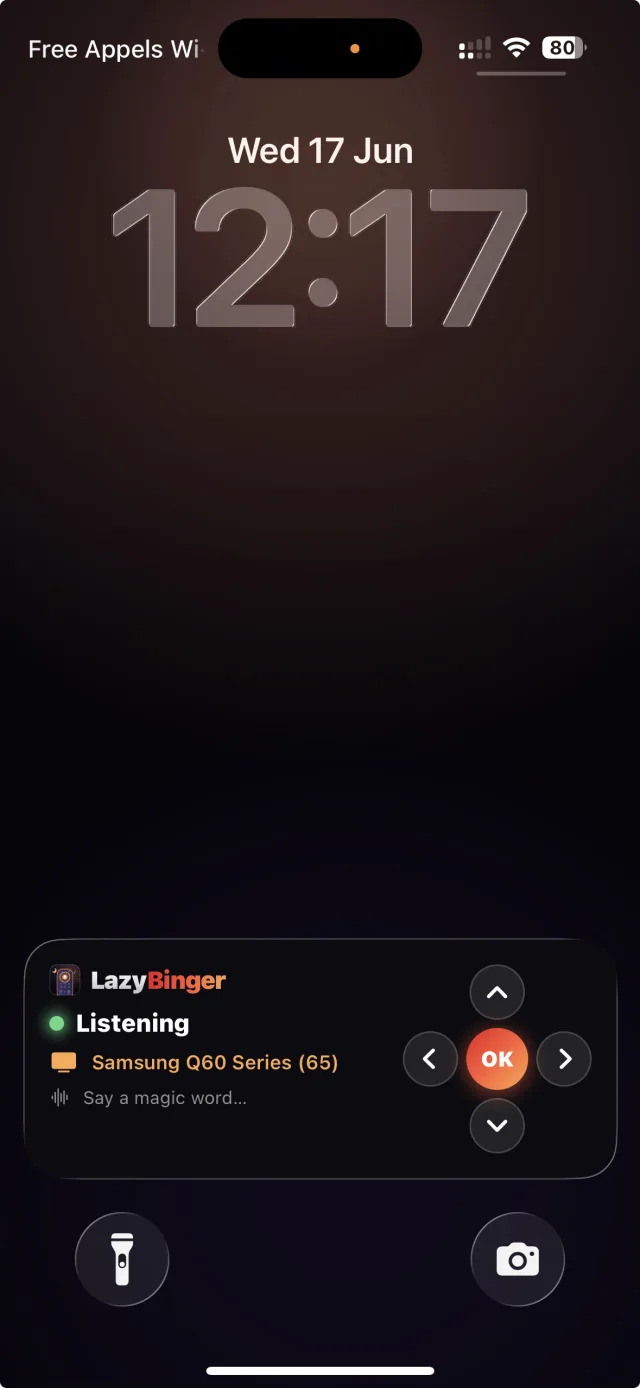
While the show plays, LazyBinger drops a real remote onto your lock screen. D-pad, OK, volume — it all responds without unlocking or reopening the app.
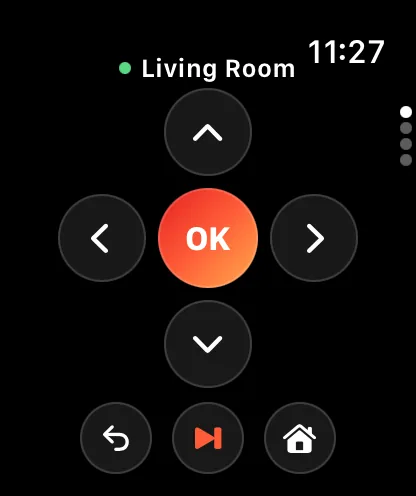
Raise your wrist and LazyBinger is already a remote. D-pad, play/pause, volume, power and your streaming apps — your iPhone does the talking to the TV, your wrist does the tapping.
Turn it sideways: what you read on the left, what you press on the right.
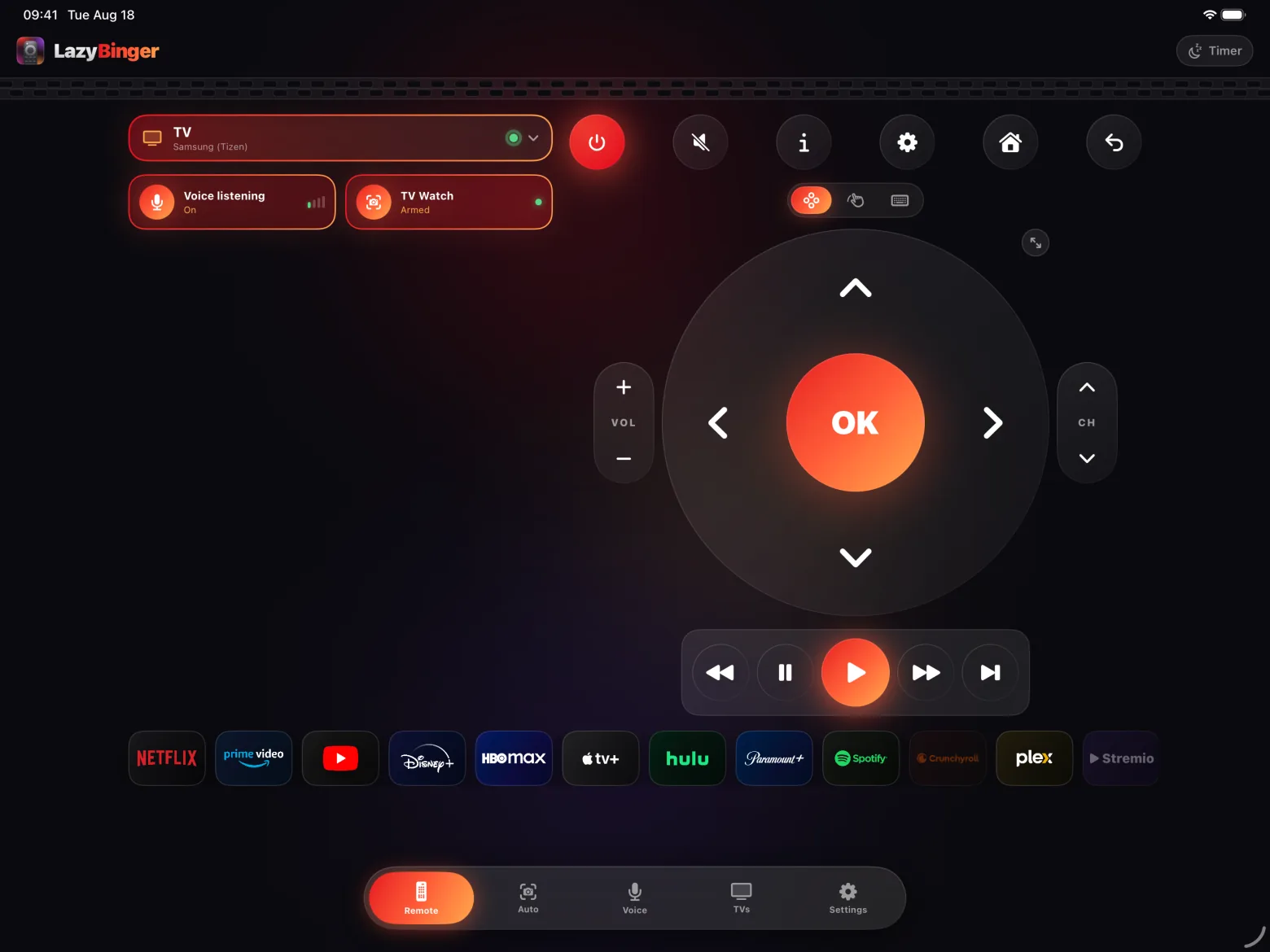
Faithful reenactment of a LazyBinger night: you, the duvet, the popcorn — and the remote doing all the work.
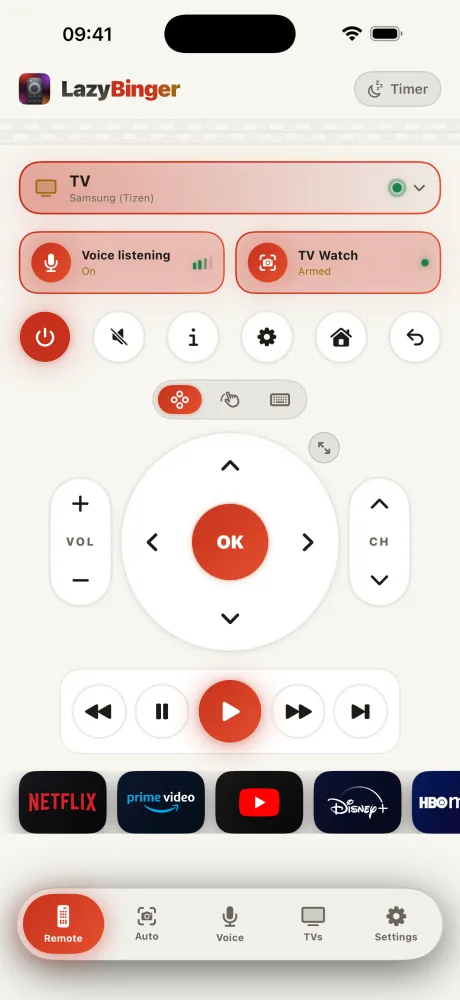
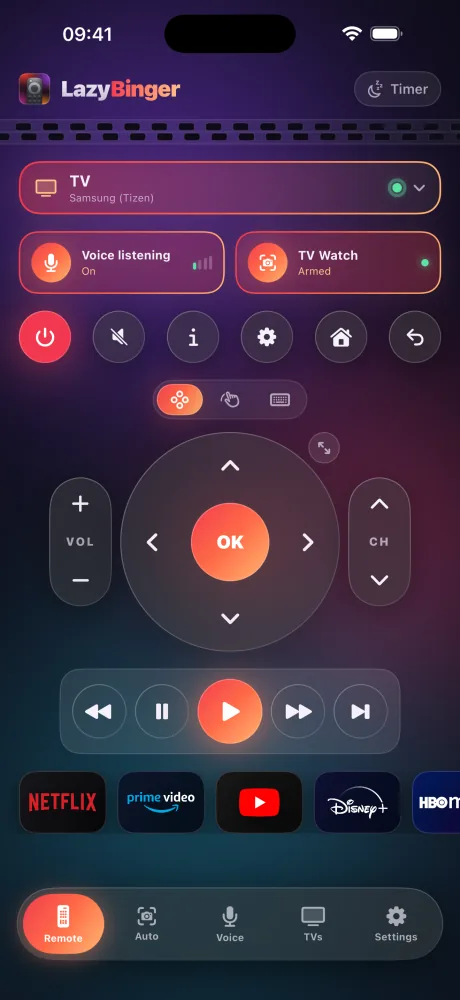
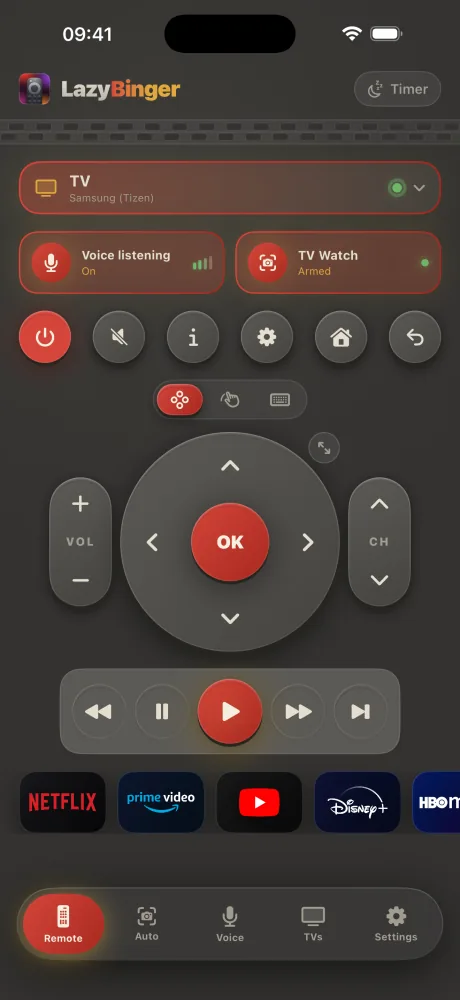
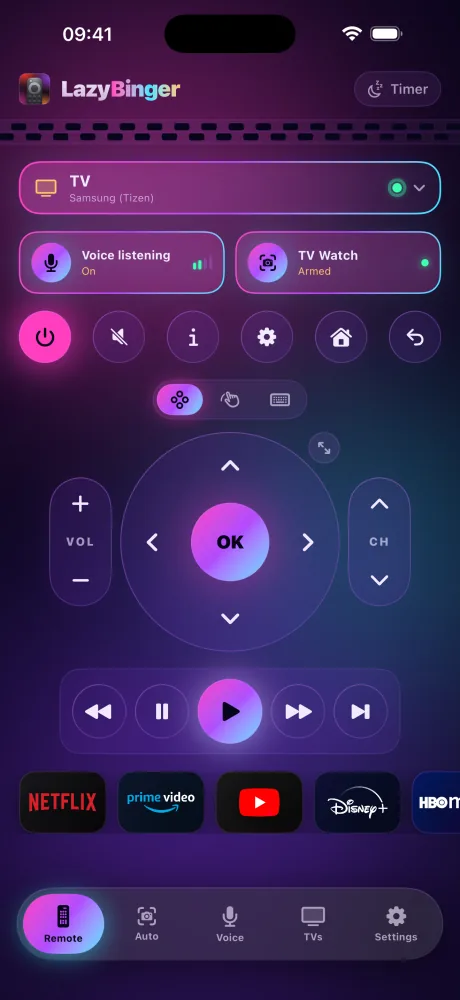
Cinema, Paper, Velvet, Neon… and at sunset it slips into its night look.
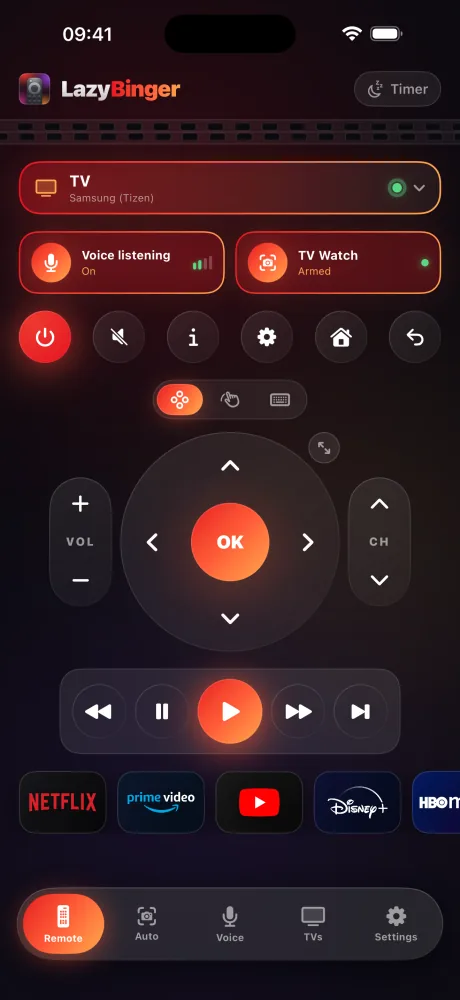
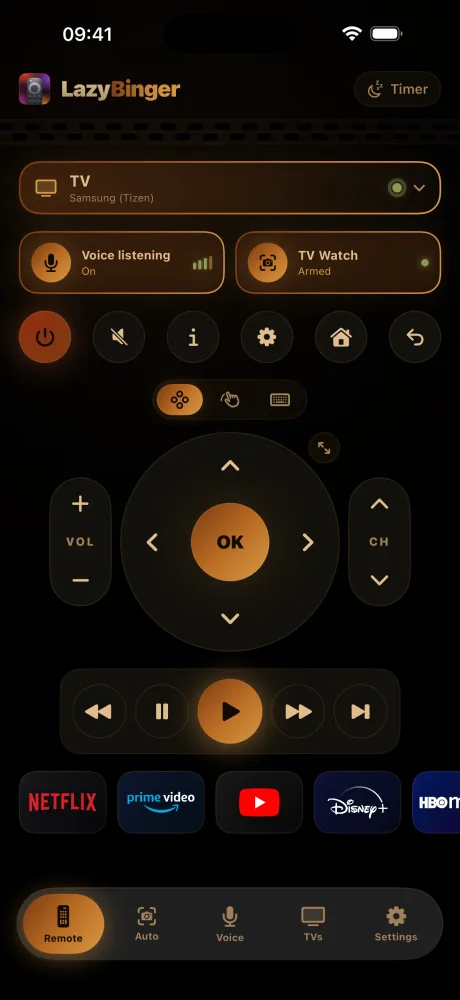
Deep black, glowing embers. The house style.
Free
Dark interface, thumb-friendly, zero blinding screens.
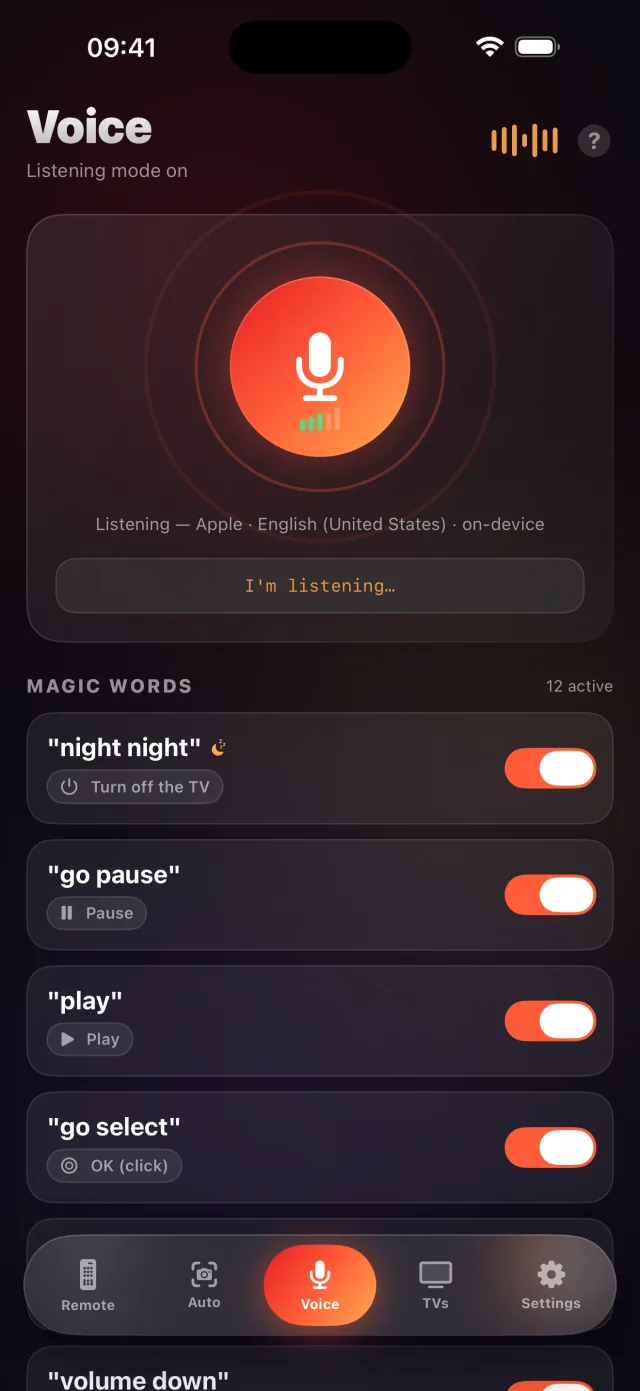
Voice mode
Say “sleepy time” — good night, TV.
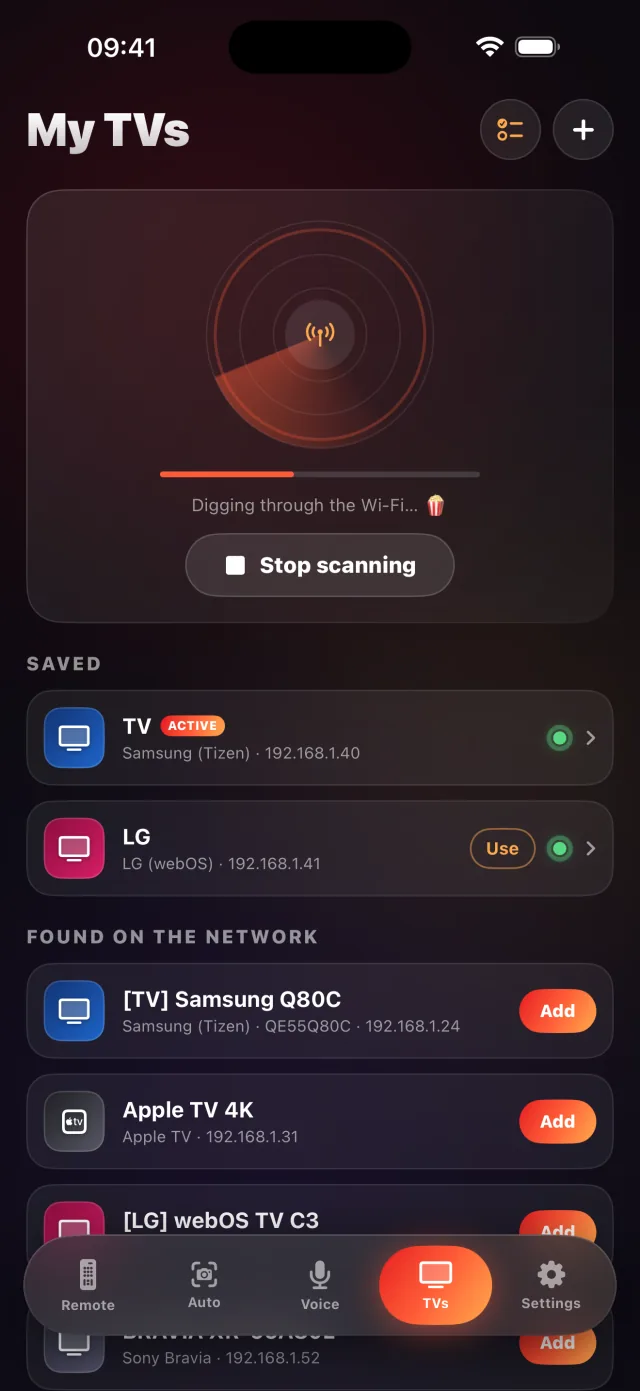
Your TVs, found
Auto-discovery on the network, one-tap pairing.
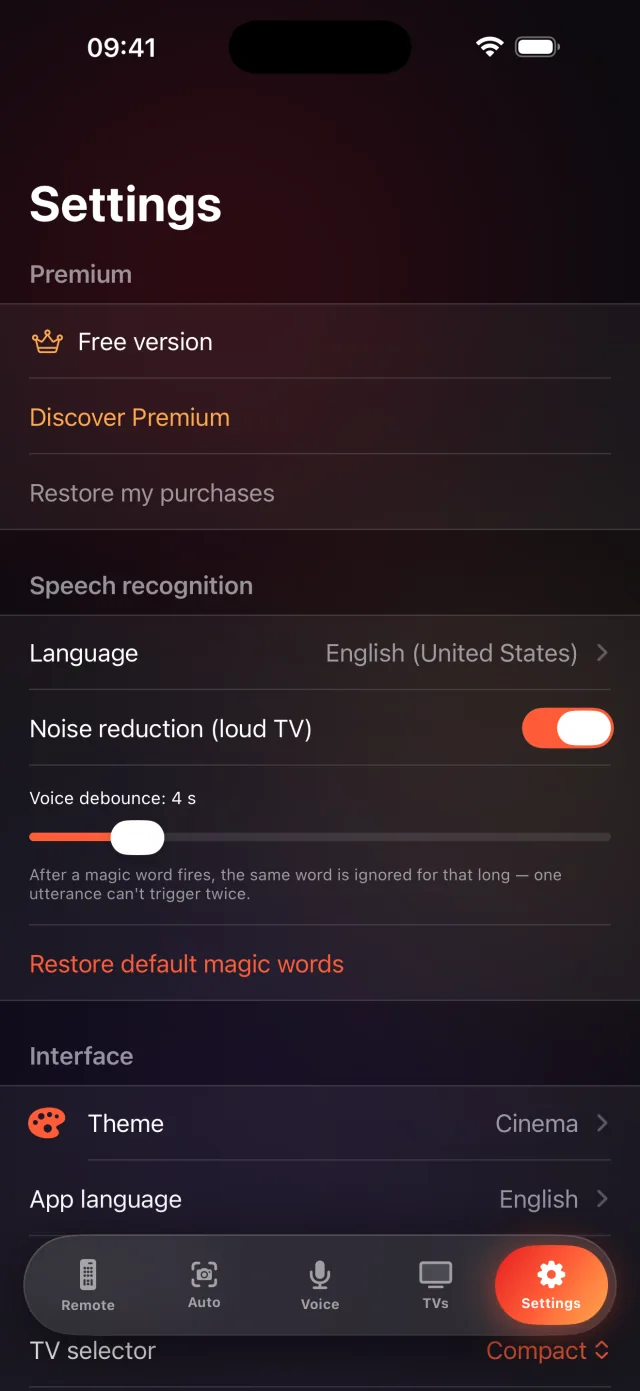
Tweak everything
Languages, magic words, cues, sensitivity: your way.
4.7 out of 5 across 27 ratings worldwide. Every review below is public on the App Store, under its author's own name.
Ultimate lazy binger's dream app!
This app is an absolute game-changer. The setup was effortless, and having a full keyboard right on my phone makes typing out searches on Netflix and YouTube so much easier than hunting with a regular D-pad. The camera auto-pilot and voice features take the laziness to a whole new level. Totally worth it!
Best around
Almost everything you usually pay a weekly subscription for are free in this app. The extra premom features are awesome. The voice control is awesome !
Amazing app!
The voice control is super responsive and the auto-skip intro feature is a game changer for binge-watching. Simple, fast, and works flawlessly.
Smooth UI
Worked flawlessly with my firetv, android tv and roku. It’s good to have all in one app with very good controls and UI. Love it
Fantastica
Aplicação muito detalhada mas fácil de utilizar, com boas instruções.
Best remote control app
Best remote control app I've used. Easy to use and lots of features
Twelve platforms: Samsung (Tizen), LG (webOS), Roku, Sony Bravia, Apple TV, Amazon Fire TV, Google TV (TCL, Xiaomi, Nvidia Shield…), Hisense (VIDAA), Panasonic (Viera), Philips, VIZIO SmartCast and Chromecast. If your TV shares the Wi-Fi with your iPhone, odds are it will just show up.
Voice does: listening stays on even when the screen is locked. Mumble “sleepy time” at 2 a.m. and the TV obeys. Camera auto-pilot needs the app in the foreground — that's an iOS rule.
Nowhere. TV discovery and control stay on your local network; speech recognition and OCR run on-device. No account, no cloud, no tracking.
iOS doesn't allow camera access in the background. The trick: prop the iPhone facing the TV — the app dims to night mode and presses OK for you. It keeps watch, you keep dozing.
Apple's engine listens in up to 3 languages at the same time (bilingual households, rejoice). Whisper — open source, fully on-device — understands dozens. And you can record any sound or phrase as a trigger.
Yes. LazyBinger puts a full remote on your wrist — D-pad, volume, play/pause, power and one-tap streaming apps, across all 12 platforms. The watch relays your taps to your iPhone, which controls the TV, so keep your phone nearby. It's free, like the rest of the remote.